
During my time in a secret government agency called Girly Boy Squad, we were trained in several different ways to diagnose and test the hardware and software on Android. Since I was the top Girly Boy in the squad it was my job to know these secret codes that would get you in and out of hidden menus within Android. If you guys promise not to share any of this info with anyone else I’ll tell you everything that I know.
To enter these codes just pull up the default dialer app and use your chubby fingers to press the correct buttons.
| Code | Description |
|---|---|
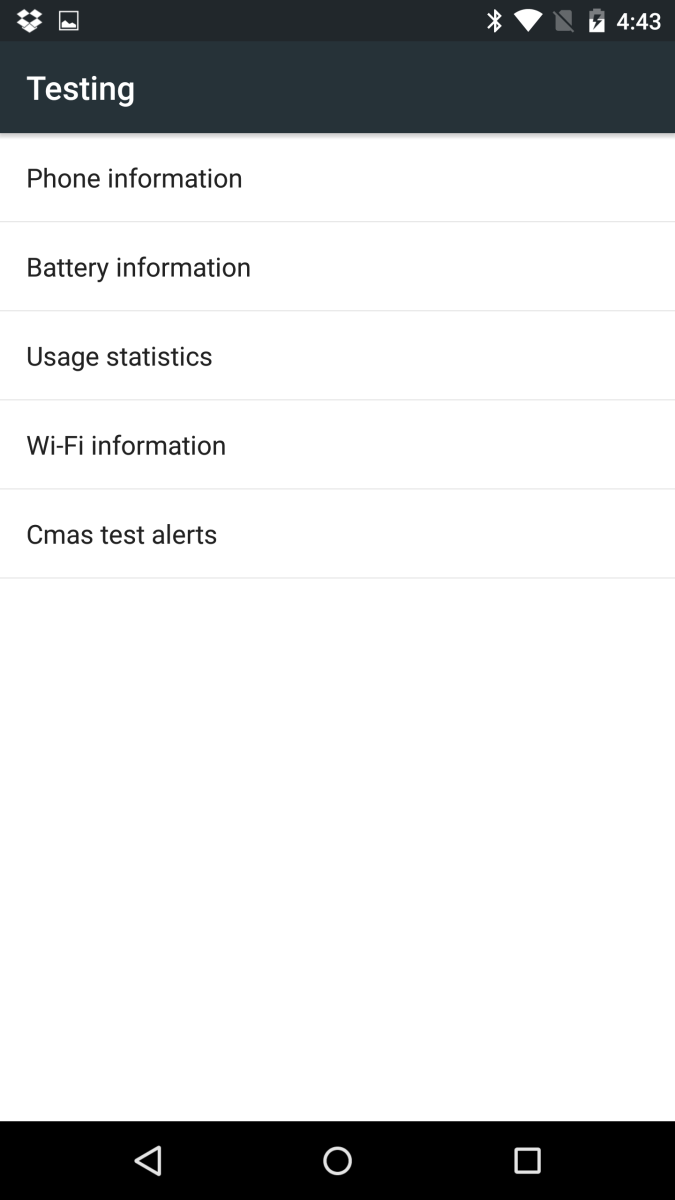
| *#*#4636#*#* | Display information about Phone, Battery and Usage statistics |
| *#*#7780#*#* | Restting your phone to factory state-Only deletes application data and applications |
| *2767*3855# | It’s a complete wiping of your mobile also it reinstalls the phones firmware |
| *#*#34971539#*#* | Shows completes information about the camera |
| *#*#7594#*#* | Changing the power button behavior-Enables direct poweroff once the code enabled |
| *#*#273283*255*663282*#*#* | For a quick backup to all your media files |
| *#*#197328640#*#* | Enabling test mode for service activity |
| *#*#232339#*#* OR *#*#526#*#* | Wireless Lan Tests |
| *#*#232338#*#* | Displays Wi-Fi Mac-address |
| *#*#1472365#*#* | For a quick GPS test |
| *#*#1575#*#* | A Different type GPS test |
| *#*#0283#*#* | Packet Loopback test |
| *#*#0*#*#* | LCD display test |
| *#*#0673#*#* OR *#*#0289#*#* | Audio test |
| *#*#0842#*#* | Vibration and Backlight test |
| *#*#2663#*#* | Displays touch-screen version |
| *#*#2664#*#* | Touch-Screen test |
| *#*#0588#*#* | Proximity sensor test |
| *#*#3264#*#* | Ram version |
| *#*#232331#*#* | Bluetooth test |
| *#*#7262626#*#* | Field test |
| *#*#232337#*# | Displays bluetooth device address |
| *#*#8255#*#* | For Google Talk service monitoring |
| *#*#4986*2650468#*#* | PDA, Phone, Hardware, RF Call Date firmware info |
| *#*#1234#*#* | PDA and Phone firmware info |
| *#*#1111#*#* | FTA Software version |
| *#*#2222#*#* | FTA Hardware verion |
| *#*#44336#*#* | Displays Build time and change list number |
| *#06# | Displsys IMEI number |
| *#*#8351#*#* | Enables voice dialing logging mode |
| *#*#8350#*#* | Disables voice dialing logging mode |
| ##778 (+call) | Brings up Epst menu |
Testing Menu Code
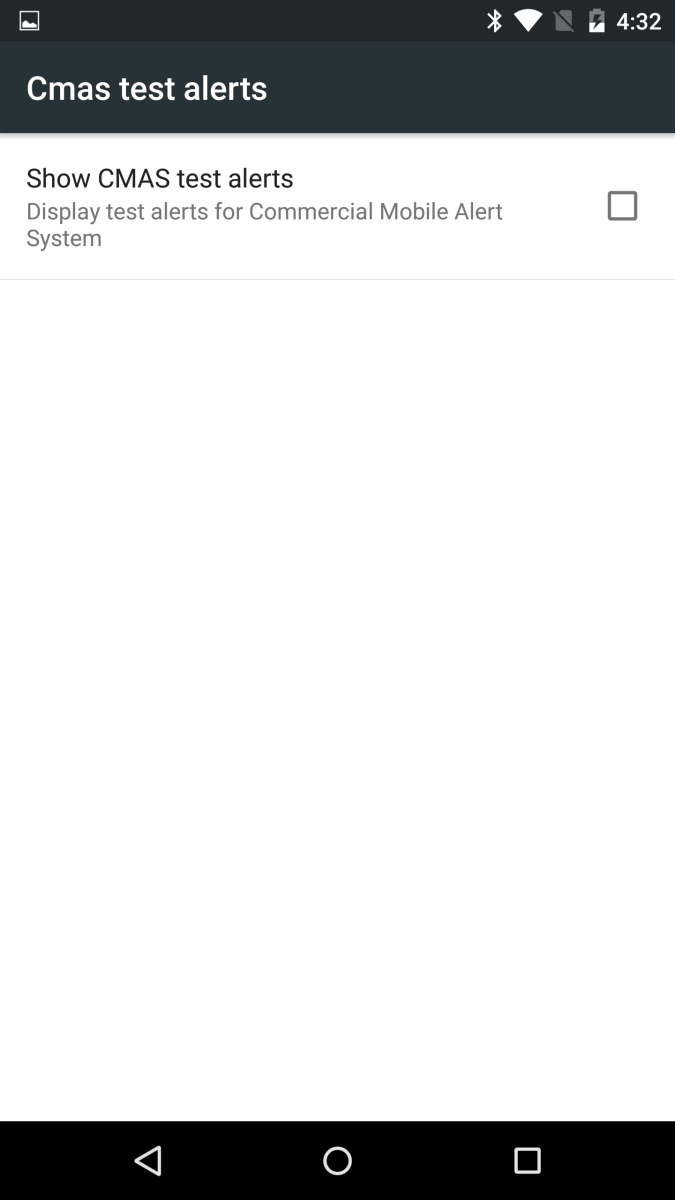
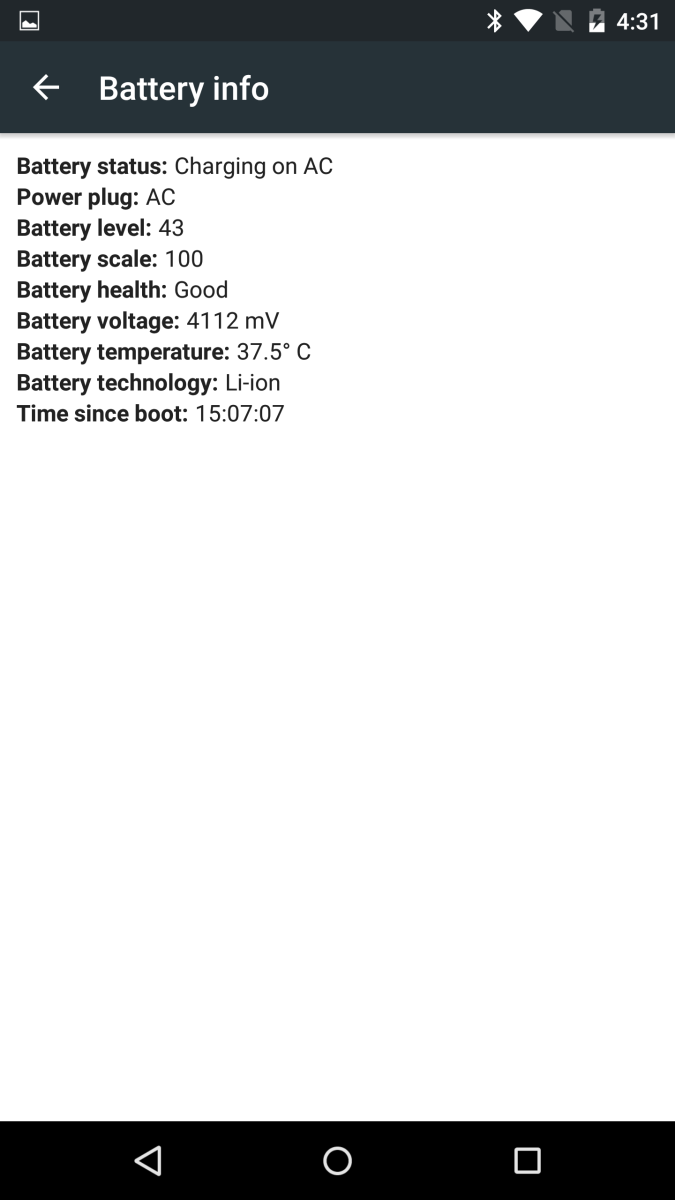
The *#*#4636#*#* code is the most common one that people will use. There’s quite a bit of information you can pull up in this hidden menu. Here are some screenshots of what you should see once you punch in this code.



Now that you have the secret codes, don’t let them fall into the wrong hands. You are now a member of the Girly Boy Squad.


